ChromeEQ
Version 1.0 · Chrome Extension
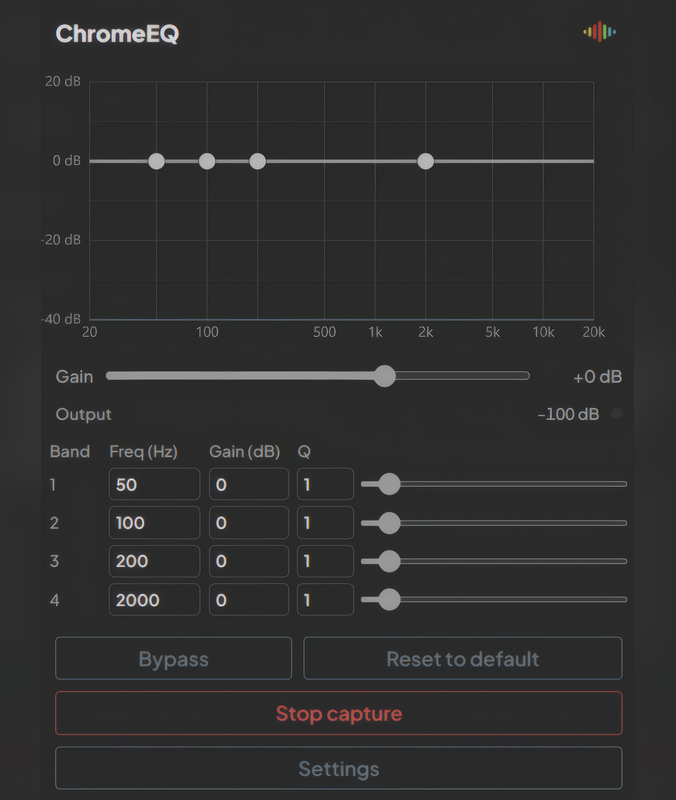
A 6-band parametric graphic equalizer for Chrome tabs. Shape the frequency response of any tab audio with precise control over frequency, gain, and bandwidth.
Setup
How to Install
Install from the Chrome Web Store for the simplest setup — one click, with updates handled by Chrome.
Opens the official listing in a new tab.
Developers: load unpacked
To run a local copy, use the extension folder that contains manifest.json, icons, and scripts.
- Obtain the ChromeEQ extension folder (with
manifest.json,background.js,popup.html,offscreen.html, etc.). - Open Chrome and go to
chrome://extensions. - Enable Developer mode (toggle in the top-right corner).
- Click Load unpacked and select the ChromeEQ folder.
- Ensure
icons/icon16.png,icon48.png, andicon128.pngexist (or copy from Chromepressor if needed). - Pin the extension and click it on any tab with audio to start EQ processing.
Requirements: Chrome 109+ (Manifest V3). Same architecture as Chromepressor — tab capture, offscreen document, persistent storage.
Features
Precision EQ
6-Band Parametric EQ
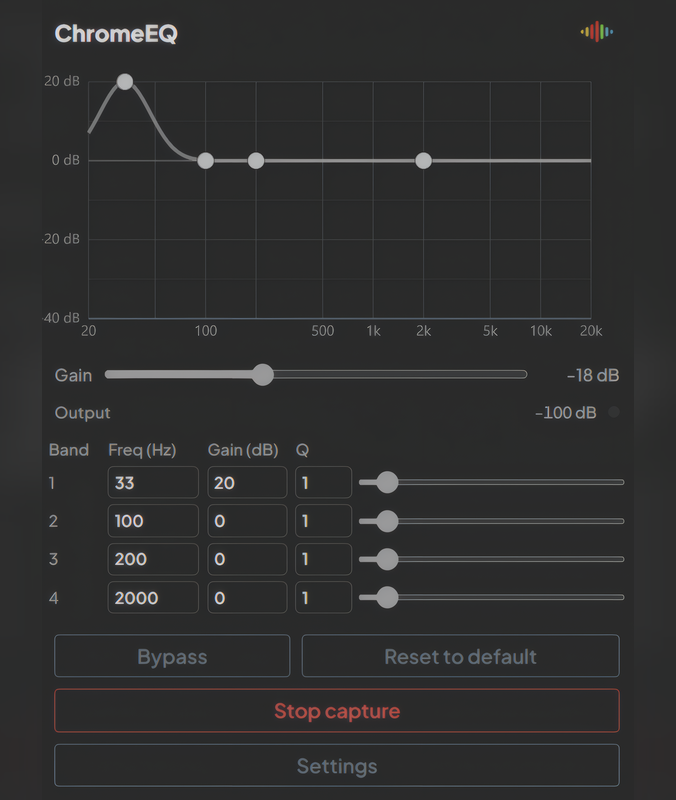
Six independent peaking filters, each with frequency (20 Hz – 20 kHz), gain (-12 to +12 dB), and Q (0.3 – 8) controls.
Master Gain
Global output gain from 0.25x to 2x. Compensate for boosts or cuts across your EQ curve.
Input / Output Metering
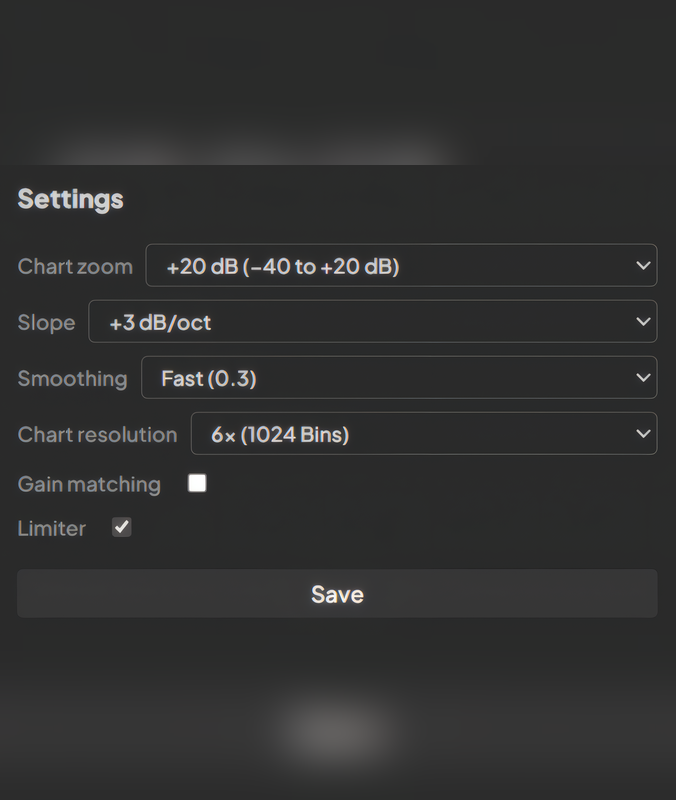
Real-time level readouts show input and output levels. Settings view includes a level-over-time chart.
Reset to Flat
One click resets all band gains to 0 dB for a clean starting point.
Persistent Settings
All band parameters and master gain are saved and restored between sessions via Chrome storage.
Use Cases
- Voice clarity — Boost presence (2–4 kHz) and cut mud (200–400 Hz) for calls and podcasts
- Bass adjustment — Add low-end on small speakers or reduce boom on headphones
- Treble shaping — Reduce harshness or add air and sparkle to dull sources
- Room correction — Compensate for poor speaker placement or room acoustics
Interface
Screenshots
Defaults
Default Bands
Six bands tuned to musical frequency ranges. All start flat at 0 dB gain with Q of 1.
Technical